
Filters and profiles
Filters decide which alerts reach you, on the web and in your Telegram bots. Each bot has its own, and you can run several profiles at once.
1Where they are
Press Alert filters at the top right. There is one tab per bot: Football Prematch (@soccerpresuspiciousbot), Football Live (@soccerlivesuspiciousbot), Basketball Prematch (@basketlinesbot), Basketball Live Half Time (@livebaskethtbot), Limit drops (@suspiciousalgorithmbot); another for the Confirmed move and the Telegram one.
What you set in a bot’s tab applies to its alerts on the web and to what that bot sends you on Telegram.
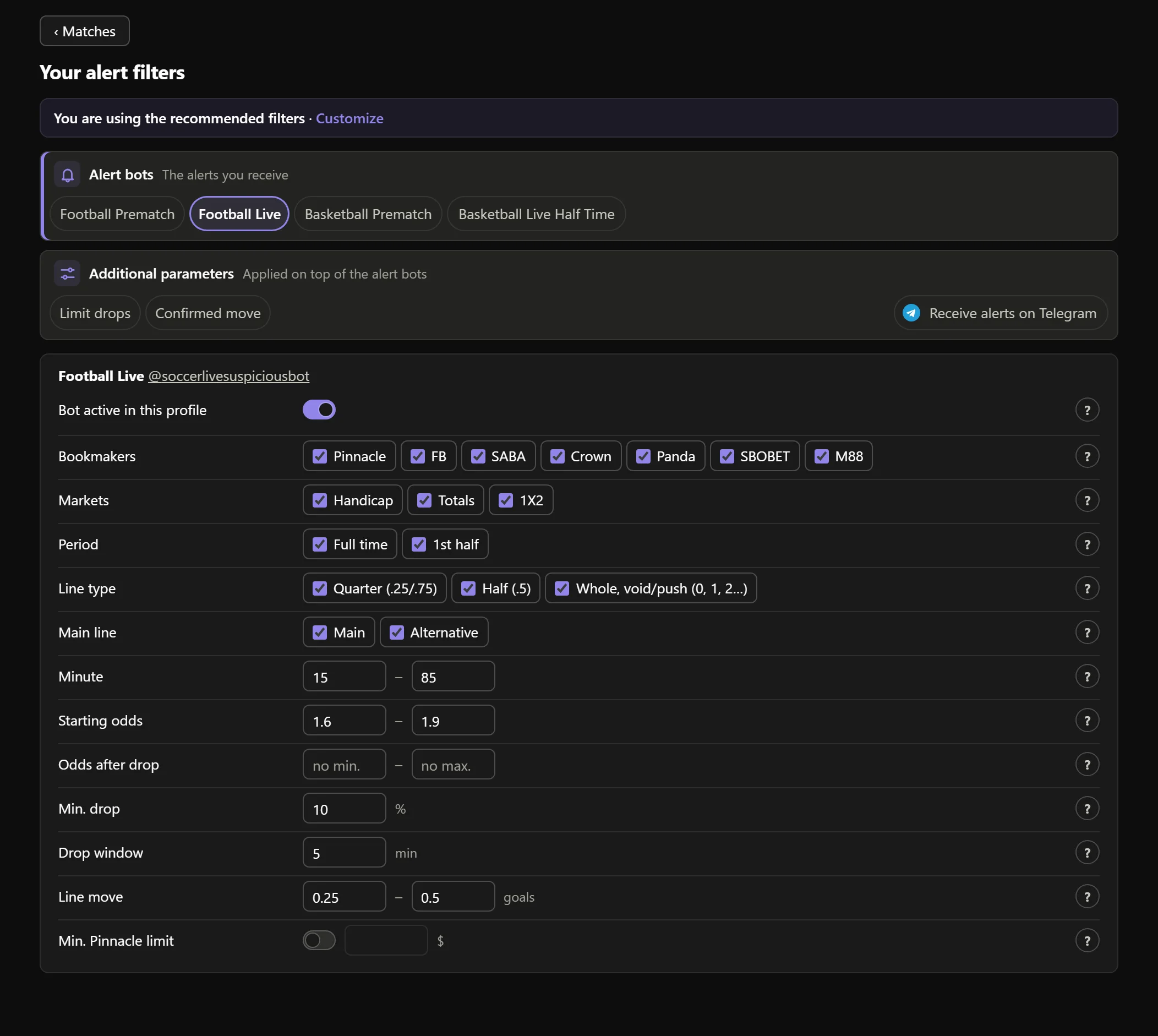
- 1“You are using the recommended filters · Customize”: you have no profile of your own yet.

- 2One tab per bot, the Confirmed move and Telegram.

- 3Bookmakers: all 7, each one ticked or not.

- 4Markets: Handicap, Totals, 1X2.

- 5Period: full time or 1st half.

- 6Starting odds: the odds range before the drop.

- 7Min. Pinnacle limit: switch and amount.

- 8? explains each row.

Real AsianHub screenshot, with demo data.
View full size ↗2What each filter does
BookmakersWhich bookmakers your alerts come from.MarketsHandicap, Totals and, in football, 1X2.PeriodFull time and/or 1st half.Minute / Hours beforeIn which match minutes (live) or how many hours before the start (pre-match) it can go out. Pre-match, up to 6 h before the start is watched, at all 7 bookmakers.Starting oddsThe odds before the drop (their peak) must be within this range.Odds after dropThe odds it dropped to must be within this range (football; empty, no limit).Min. drop and Drop windowHow much the odds must drop and within how many minutes at most.Line moveHow far the line must jump (goals in football, points in basketball).Min. Pinnacle limitWhen on, the alert only goes out if Pinnacle’s limit on that market reaches that amount.Not every bot has every row. Basketball only has line moves: there is no 1X2, minute, period, starting odds, odds after drop or drop. Limit drops has its own rows: hours before, starting odds, minimum limit drop, minimum Pinnacle limit, markets, period and window.
3Change and save
Change whatever you want and press Save; it asks you to confirm with Yes, save. Your first change creates your profile A, a copy of the recommended filters with your change.
The bots apply what you saved in under a minute.
4Several profiles
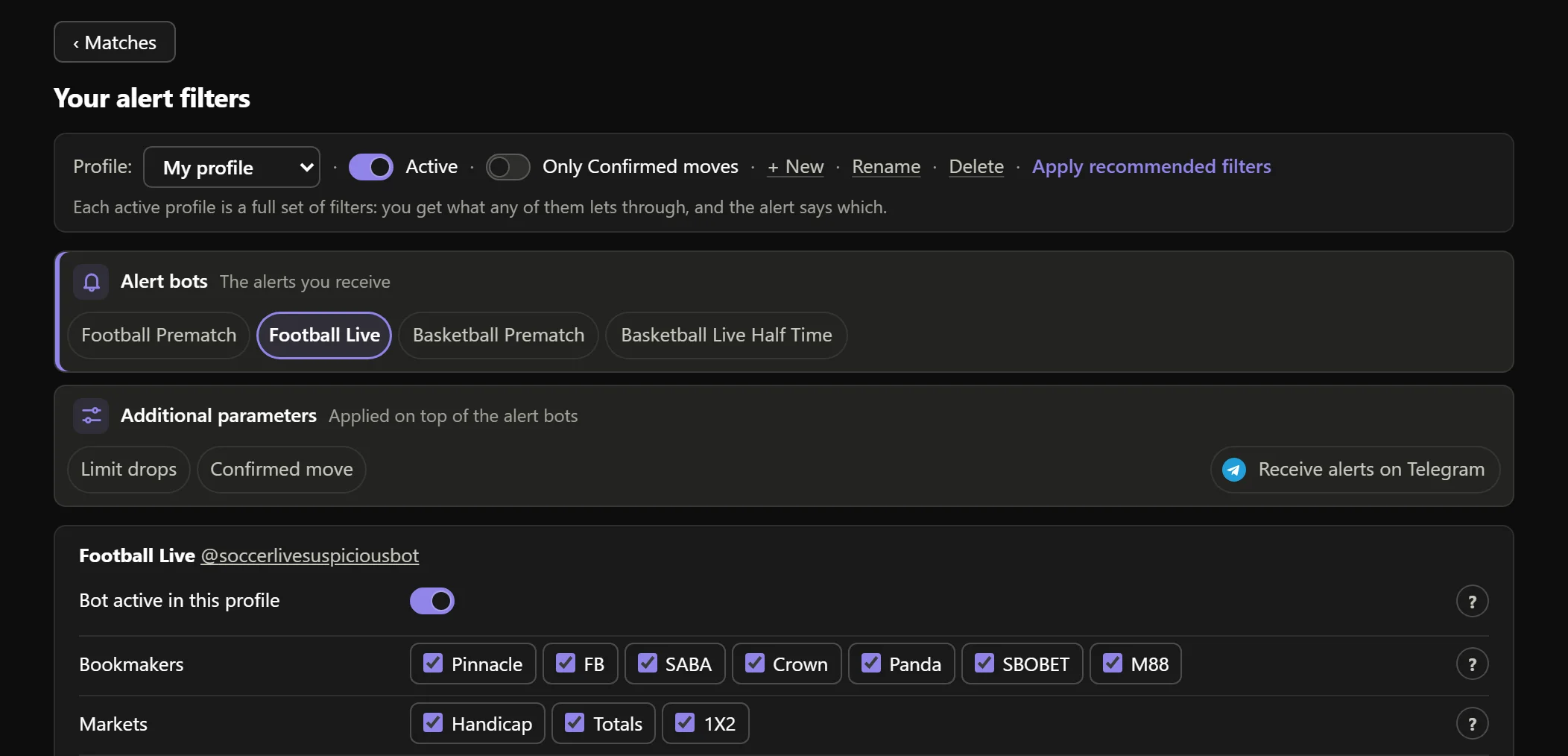
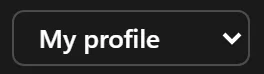
- 1Profile: choose which one you see and edit.
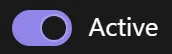
- 2Active: on, its alerts reach you; off, it is paused.
- 3+ New: another profile (it starts as a copy of the recommended filters).
- 4Rename and Delete.
- 5Apply recommended filters to this profile.

- 6You get what any of your active profiles lets through.

Real AsianHub screenshot, with demo data.
View full size ↗- Each profile is a full set of filters (every bot and the Confirmed move).
- Up to 10 profiles; names up to 24 characters, without & " ' ; < >.
- If two profiles let the same alert through, you get it only once with both names.
- With no active profile, you get the recommended filters.
5The profile tag on every alert
Every alert says which profile let it through: on the web with the 👤 My profile · Aggressive chip, and on Telegram at the very top, before the alert.
That way you know, for example, whether a drop came from your cautious profile or your aggressive one.
    MIN     ODDS
  ──────  ────────
     30'    1.880
     35'    1.660
6Always kept
Your filters and profiles stay in your account even if your subscription expires, and come back as they were when you renew.
Keep going
Something doesn’t work like this? Message us at @sharpspickssupport.