
Log in to AsianHub
Your AsianHub account is your Telegram: no password. You log in at asianhub.sharpspicks.io with one click and see your services, your filters and the alerts.
1Log in with Telegram
Open asianhub.sharpspicks.io and press the blue Log in with Telegram button: it takes you to Telegram to confirm it is you and you come back to AsianHub logged in.
- The first time, your account is created right away.
- Use the same Telegram you paid with: that is how AsianHub sees your subscription.
- You only log in with Telegram: there is no username or password to remember.
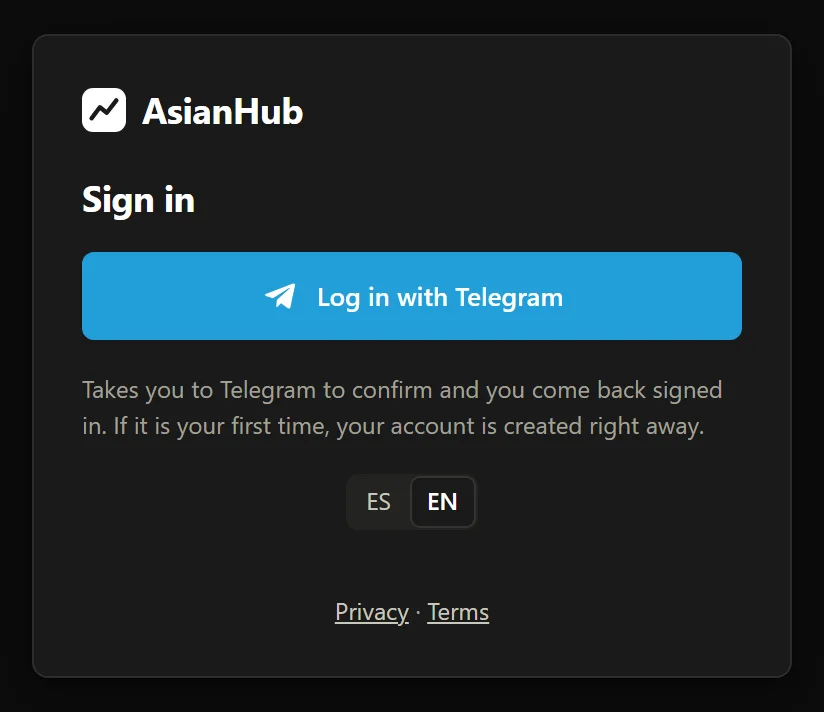
- 1Log in with Telegram: takes you to Telegram to confirm and you come back signed in.

Real AsianHub screenshot, with demo data.
View full size ↗2Your account and services
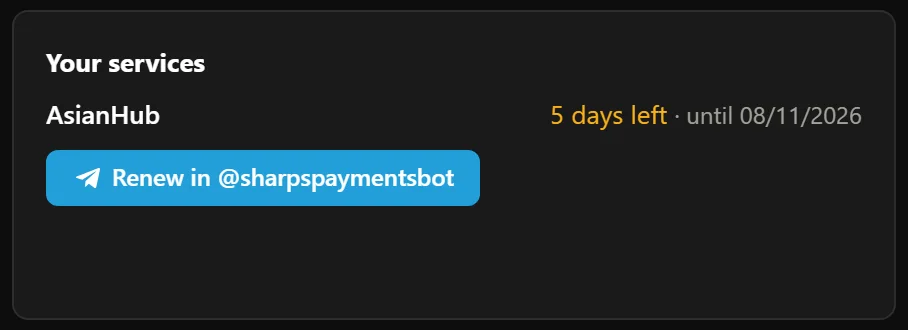
In My account (the button in the top bar, next to Alert filters) you see your linked Telegram with its @, your AsianHub days left and the date they run until.
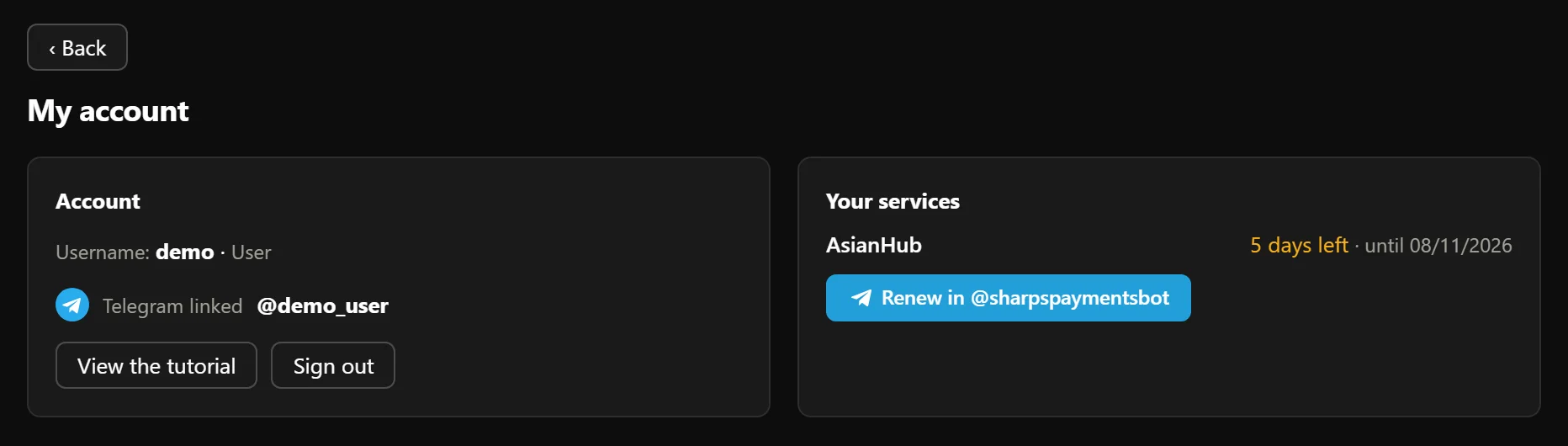
- 1“Telegram linked”, with your @.

- 2Your AsianHub days left and the date.
Real AsianHub screenshot, with demo data.
View full size ↗3The matches screen

- 1All · Live · Pre-match, and football or basketball. You can also search a team or league.

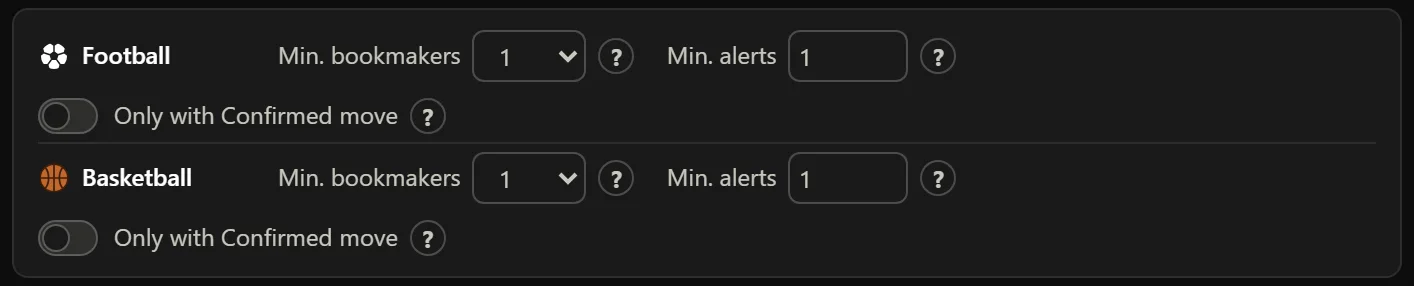
- 2Min. bookmakers, Min. alerts and Only with Confirmed move for this list.
- 3Each alert with its bookmakers and the tag of your profile (👤) that let it through.

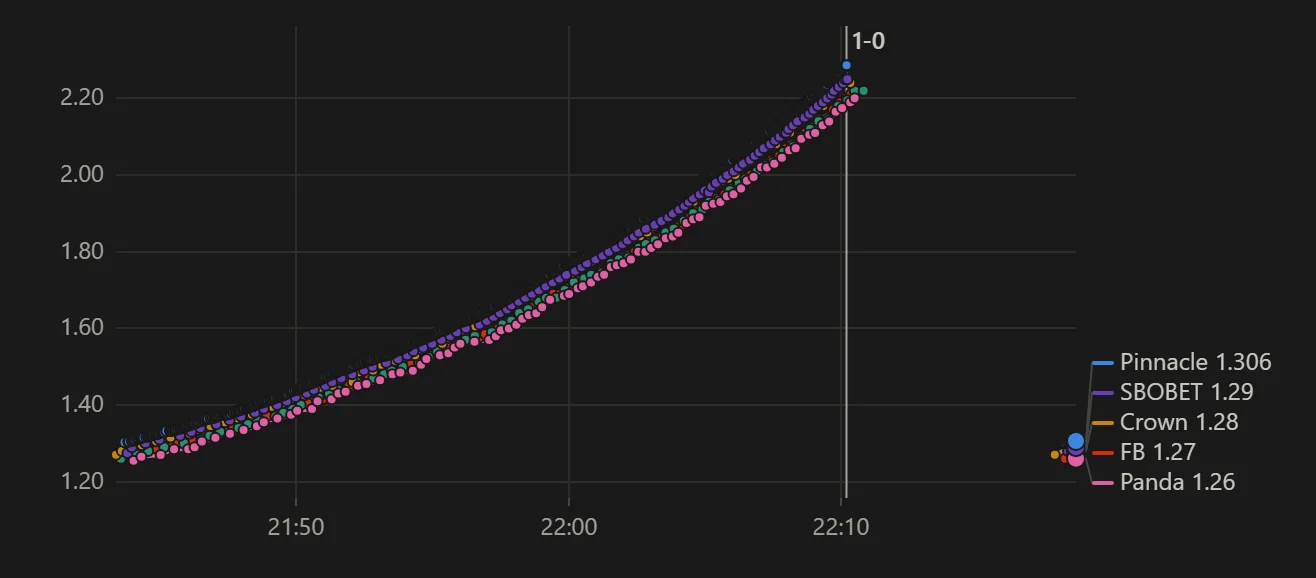
- 4The chart of each bookmaker on the chosen market, from the start or the last minutes.
- 5Alert filters: which alerts reach you on Telegram and on the dashboard; your filters, profiles and Telegram bots.
Real AsianHub screenshot, with demo data.
View full size ↗Tap a match to see all its alerts, each bookmaker’s chart (handicap, goals or 1X2; full time or 1st half; odds or line) and the Now table with each bookmaker’s line, odds, 10-minute change and limit.
With ☆ you follow a match to keep it at the top. Following a match does not change what you get on Telegram.
4On your phone
AsianHub works in your phone’s browser: same account, same filters and same alerts, in a single column.
On your phone, the language and theme are in ⚙; at the top you have Alert filters and My account.
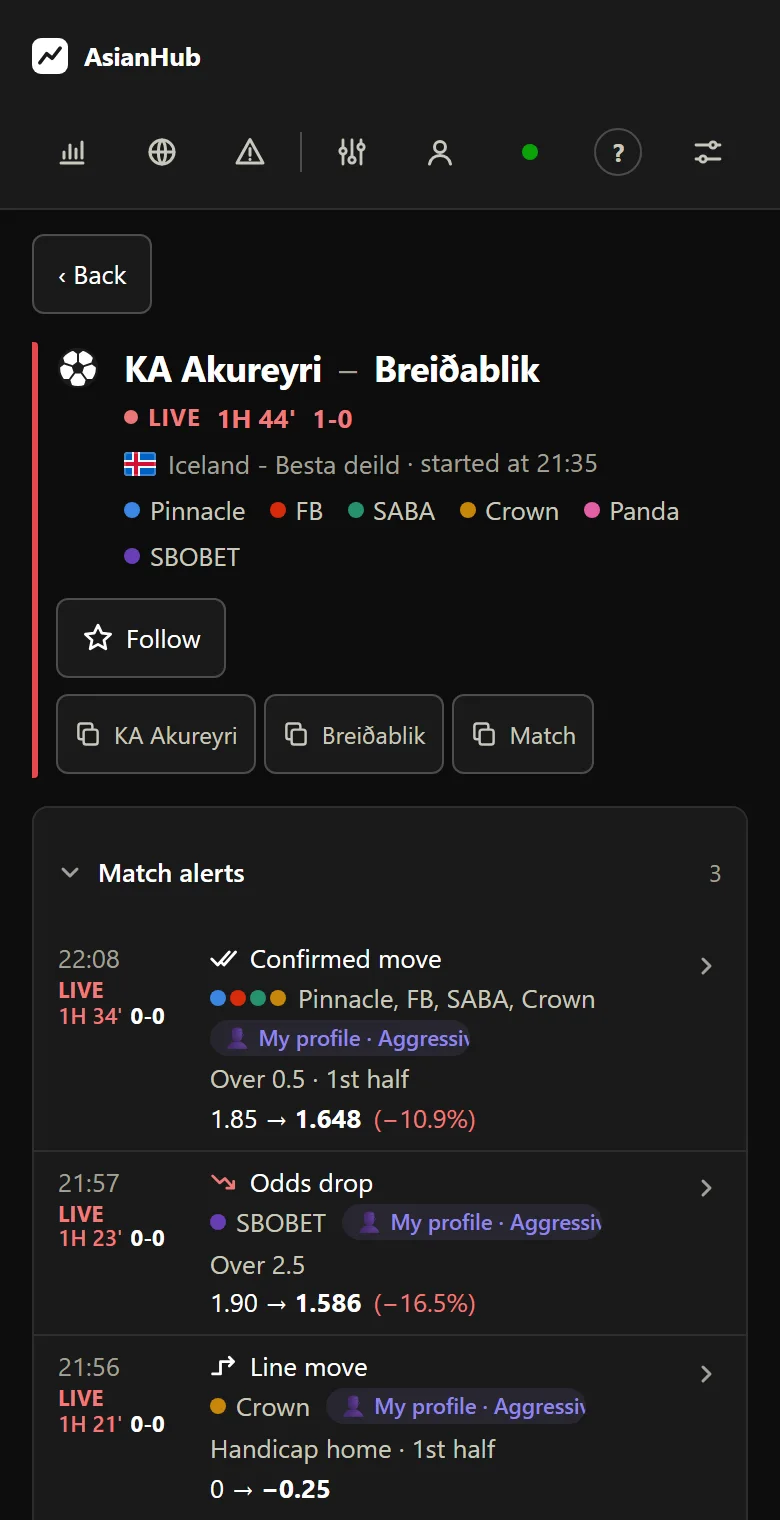
Real AsianHub screenshot, with demo data.
Keep going
Something doesn’t work like this? Message us at @sharpspickssupport.