
Recommended filters
The recommended filters are the starting point we prepare. If you don’t change anything, they are what you use, on the web and on Telegram.
1What they are
- A full set of filters for the 5 bots and the Confirmed move, tuned by the Sharps Picks team.
- Every account without profiles (or with none active) uses it, and so does anyone getting alerts only on Telegram.
- While you use it, it applies to you live: if we improve it, you get the change without doing anything.
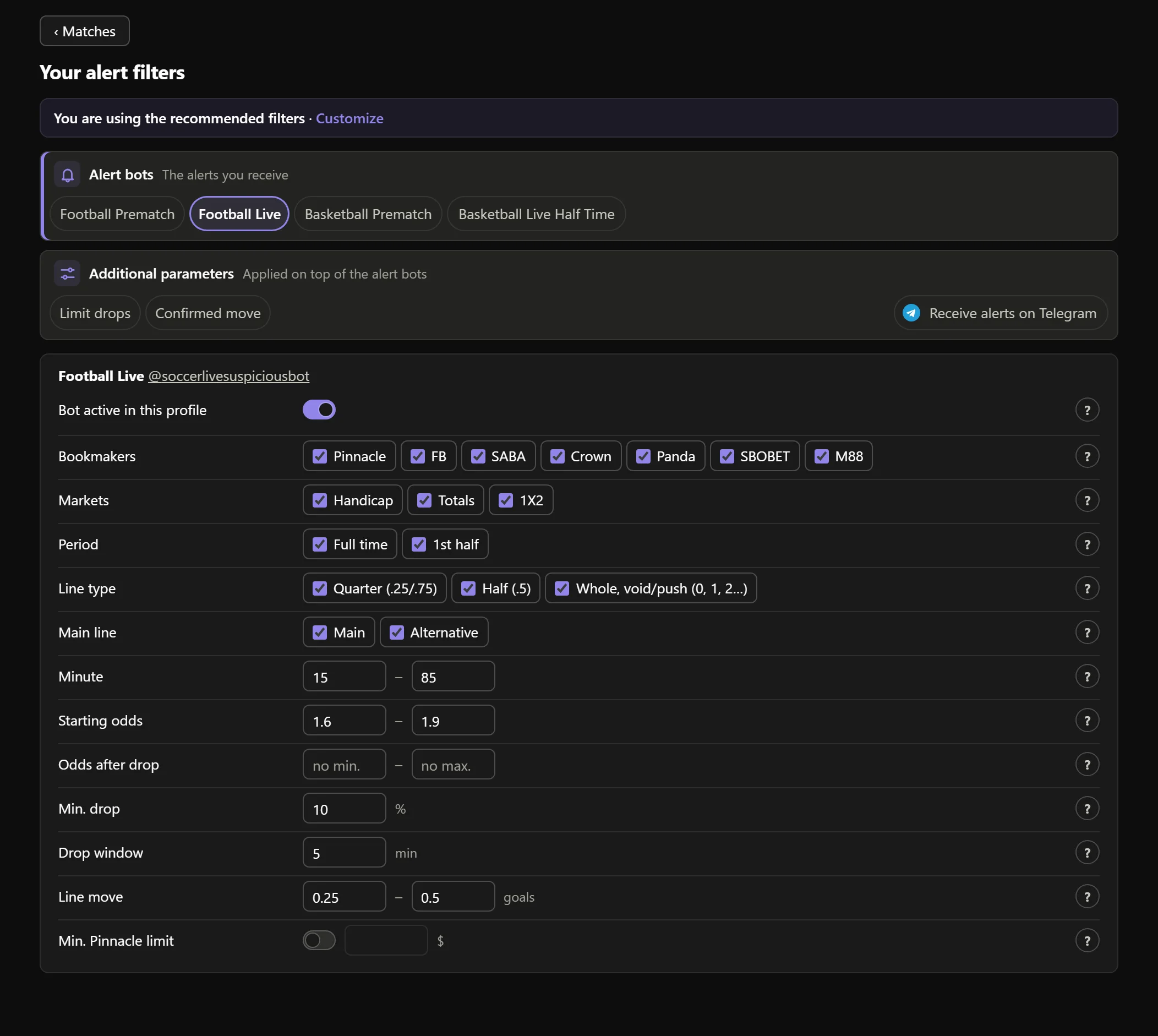
- 1This notice tells you that you use the recommended filters.

Real AsianHub screenshot, with demo data.
View full size ↗2Customize
Press Customize or change any value and save: your profile A is created as a copy of the recommended filters, with your change. From then on, that profile is yours.
3Apply recommended filters
In the profile bar, Apply recommended filters copies today’s recommended filters into the profile you have selected. First it asks: “Set the recommended filters on A? Its current values are lost.” → Yes, apply.
Your other profiles do not change. And on each row you changed, Back to recommended puts just that row back to its recommended value.
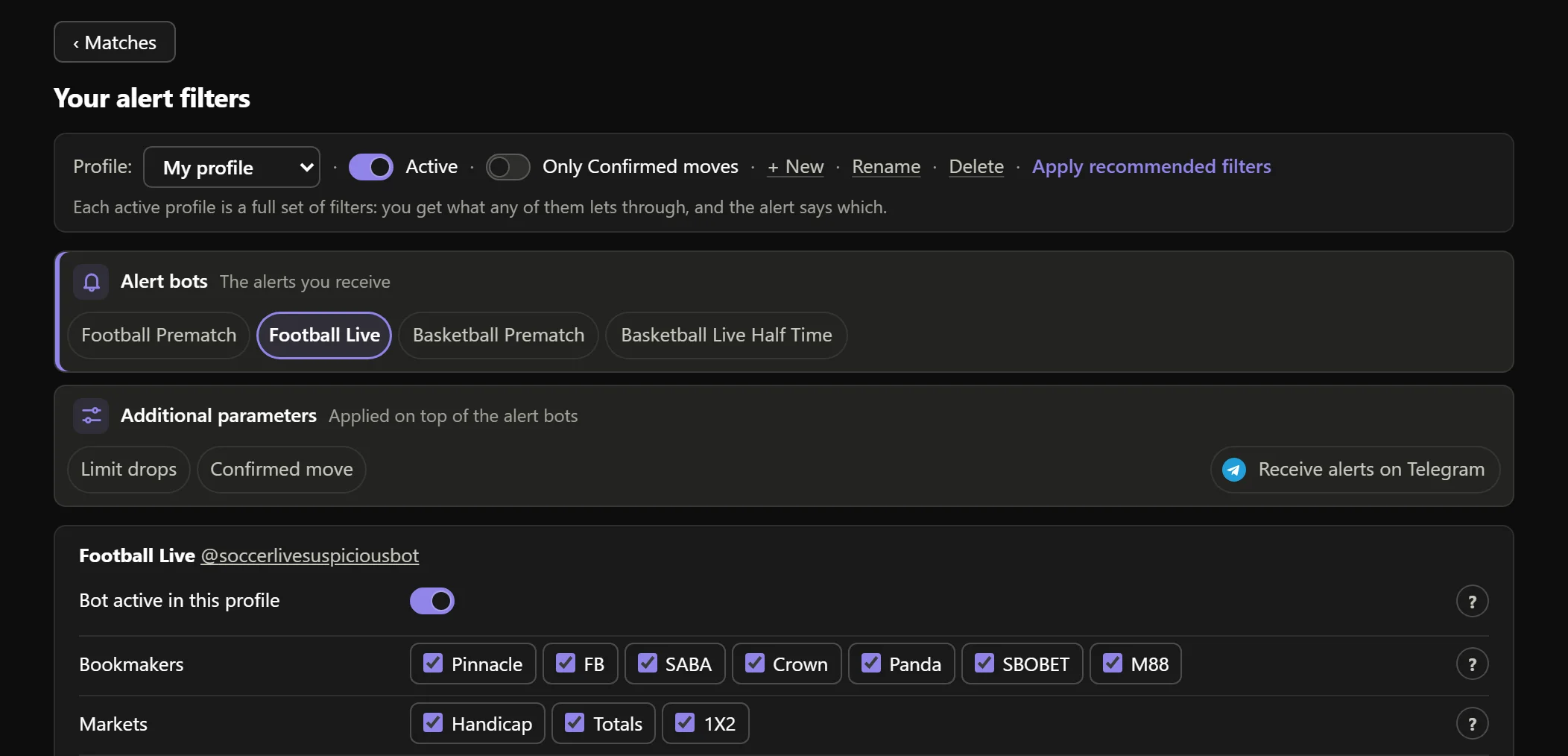
- 1Apply recommended filters.

Real AsianHub screenshot, with demo data.
View full size ↗4Go back to the recommended filters
If you switch off all your profiles (the Active switch), you get the recommended filters again: “No active profile: you get the recommended filters”. Your profiles stay there to switch back on whenever you like.
Keep going
Something doesn’t work like this? Message us at @sharpspickssupport.