
Language
Everything is in Spanish and English: this website, AsianHub and every bot message. If you don’t choose, the language of your browser (website and AsianHub) or of your Telegram (bots) is used: Spanish if it is set to Spanish; otherwise, English.
1On this website
At the top, ES / EN. It is remembered for next time.
2In AsianHub
On a computer, ES / EN in AsianHub’s top bar; on a phone, in ⚙. The whole platform switches right away.
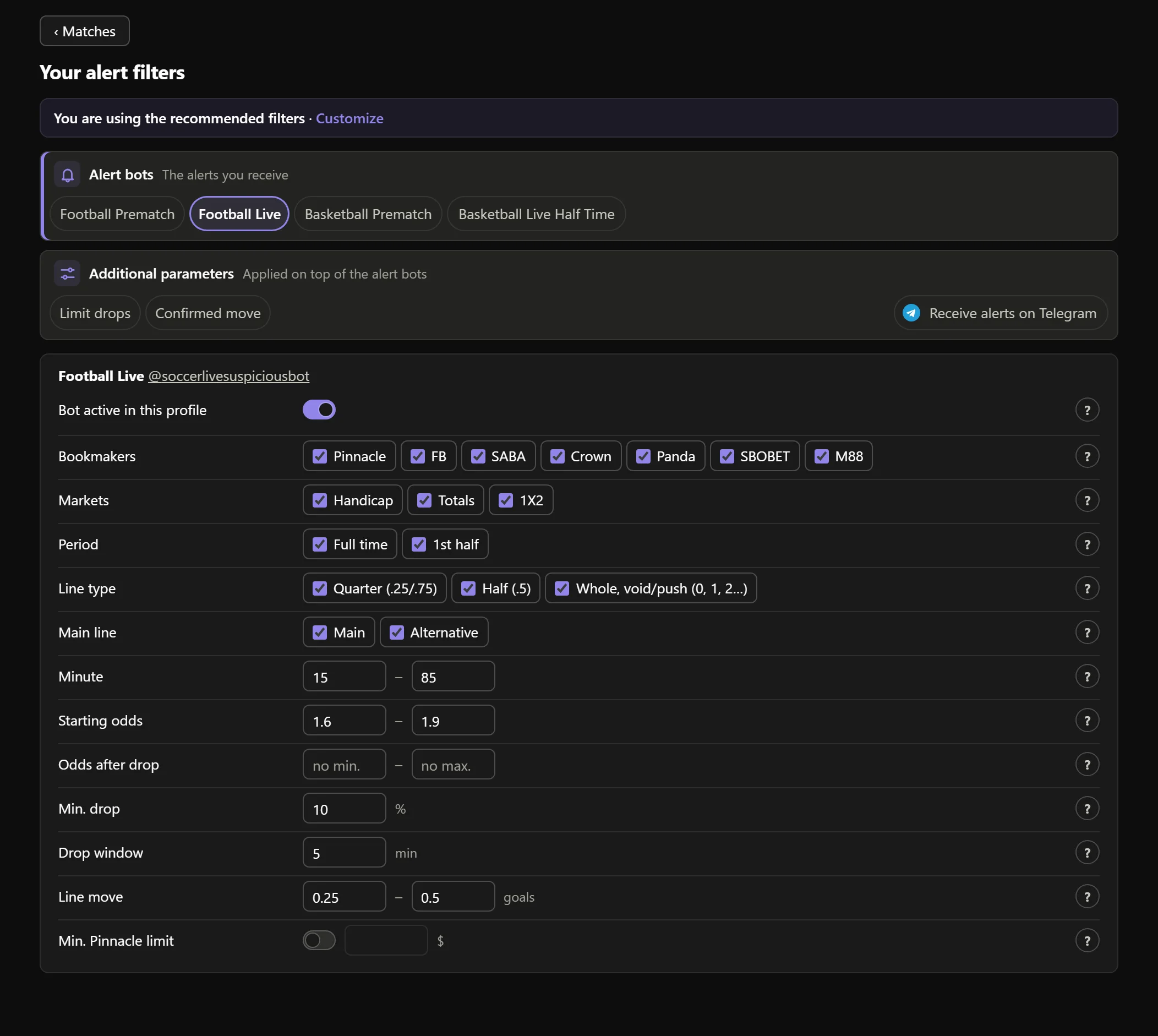
- 1Bot names are not translated: they are the same in both languages.

Real AsianHub screenshot, with demo data.
View full size ↗3In the bots: /language
In any Sharps Picks bot send /language and choose. It applies to every bot and to your alerts.
Without choosing, the bots use your Telegram language: Spanish if it is set to Spanish; otherwise, English. Bot names (Football Live (@soccerlivesuspiciousbot), Limit drops (@suspiciousalgorithmbot)…) are not translated; “Confirmed move” in Spanish is “Movimiento confirmado”.
 English
It applies to every SHARPS PICKS bot and to your alerts.
Keep going
Something doesn’t work like this? Message us at @sharpspickssupport.